

Your game freezes for half a second. Then it’s fine. Then it does it again twenty seconds later.
That’s not random. Stutter almost always has one cause, and it’s rarely the one people blame. Here’s how to find it, in order, without buying anything.
Ping, Jitter, Packet Loss — The Three That Matter
People obsess over ping and ignore the other two. Big mistake.
- Ping. How long a signal takes to reach the server. High ping feels like delay.
- Jitter. How much that ping moves around. This causes rubber-banding.
- Packet loss. Some data never arrives. This causes teleporting.
You can have 40 ping and still stutter badly, if your jitter is high. That’s the case nobody diagnoses, because the ping number looks fine.
Run a test that shows all three. Most speed tests don’t. Look for a ping test with jitter and loss included.
The Usual Suspects, In Order
Check these before you spend money.
- Wifi. The single biggest cause. Even good wifi drops packets.
- Background downloads. A cloud backup will wreck your connection quietly.
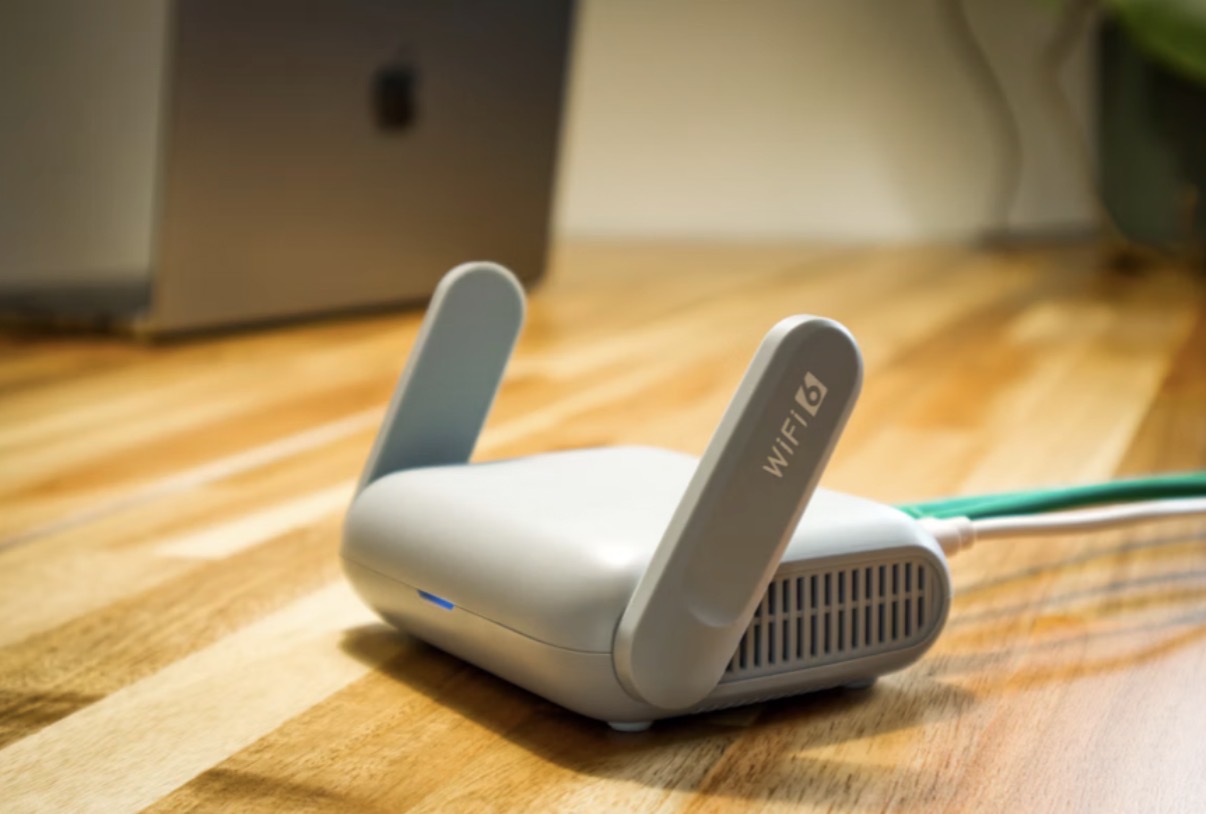
- Your router. Old firmware, too many devices, no QoS settings.
- The game server’s region. If it’s on another continent, that’s it.
- Your ISP’s evening congestion. Slow at 8 p.m., fine at noon.
The download one catches people out. Here’s something people forget. Your computer and phone don’t always wait for permission before downloading stuff. Steam could be downloading something, Windows might be updating, and your phone could be uploading photos. All without you noticing. So when the game suddenly gets all laggy, have a look at what your router’s doing. Could be something downloading in the background, not the server messing up.
Fixes That Actually Work
Start at the top. Stop when it’s fixed.
- Plug in an ethernet cable. Solves more stutter than anything else on this list.
- Cap your download speed during play. Leave some headroom.
- Turn on QoS in your router. Prioritise the game console or PC.
- Pick the nearest server region. Two hours closer beats a better PC.
- Restart the router properly. Unplug it, wait thirty seconds.
Yeah, I know. Restarting the router sounds like the most useless advice ever. But there’s actually a reason people keep saying it. Some routers slowly build up memory problems after running for weeks without a break. Turn the thing off, start it again, and sometimes the connection goes right back to normal.
When It’s Not Your Connection
Sometimes the problem is the server, and nothing at home will fix it.
Modded Minecraft servers are the obvious example. Once a pack passes a few hundred entries, load times spike and the server ticks behind. Smaller groups on recent packs can start with budget NeoForge server hosting. Past that, a cheap shared plan will stutter no matter how good your wifi is.
Same pattern in other games. A busy shooter server with bad tick rate feels laggy to everyone on it, including people with fibre.
How To Prove It
Before you start changing settings, do one easy thing first. Play for ten minutes and watch for the choppy bits. Note the times. Then open your ping history and see what was going on. Maybe the connection was fine all along. If jitter spikes line up with your stutters, it’s your connection. If the connection looks clean and the stutter is still there, it’s the server. One test like that stops people from buying a router they never needed.
The Takeaway
Stutter is almost always one of three things: wifi, background traffic, or the server itself.
Cable first, then check what’s downloading, then check the server region. Most people fix it at step one and never get to the rest.