
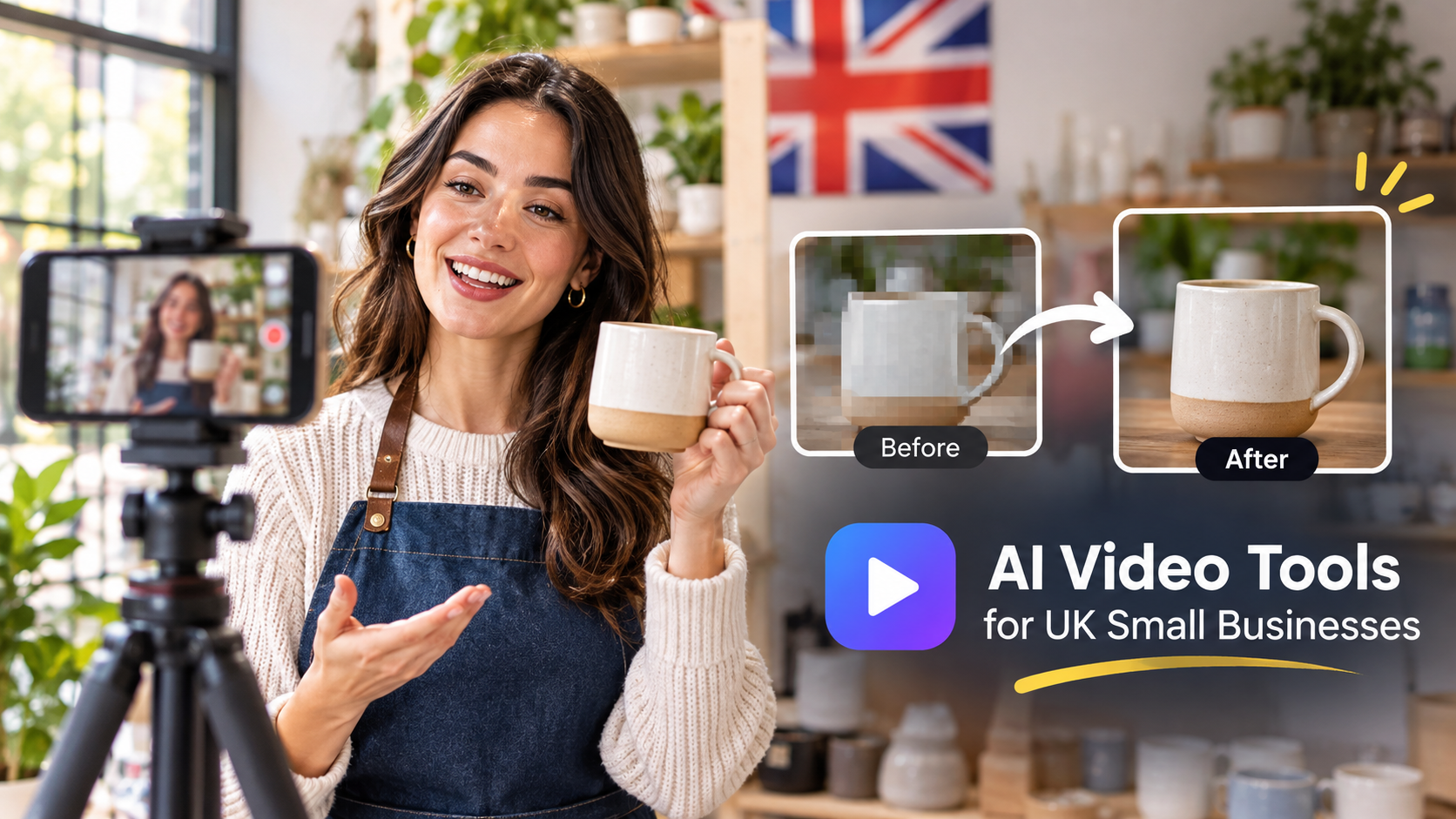
Being a digitally sound business in the economy is a great way to make a small setup look more established. You get to explain a product to customers, and make a website or social media page appear more professional.
As easy as it may sound, producing that content isn’t always straightforward. If you are a small business in the UK, you may have faced the challenge of hiring a videographer, arranging a shoot and the post production of the video when you have a limited budget for marketing.
Video is another practical way for smaller businesses to make their digital presence more engaging without building an expensive production setup. Better video content is essential for the success of small businesses in the UK.
Why UK Small Businesses Need Better Video Content
May it be small retailers, coffee shops or online stores and services, video provides businesses with a way where they can demonstrate their products and services to their customers.
The clothing boutique could make use of a short clip to showcase a new line of clothing. A restaurant may work its kitchen, and a property business may produce walk-throughs for prospective tenants or buyers. Talking-head videos are a great way for even the smallest of consultancies to present their services and introduce themselves.
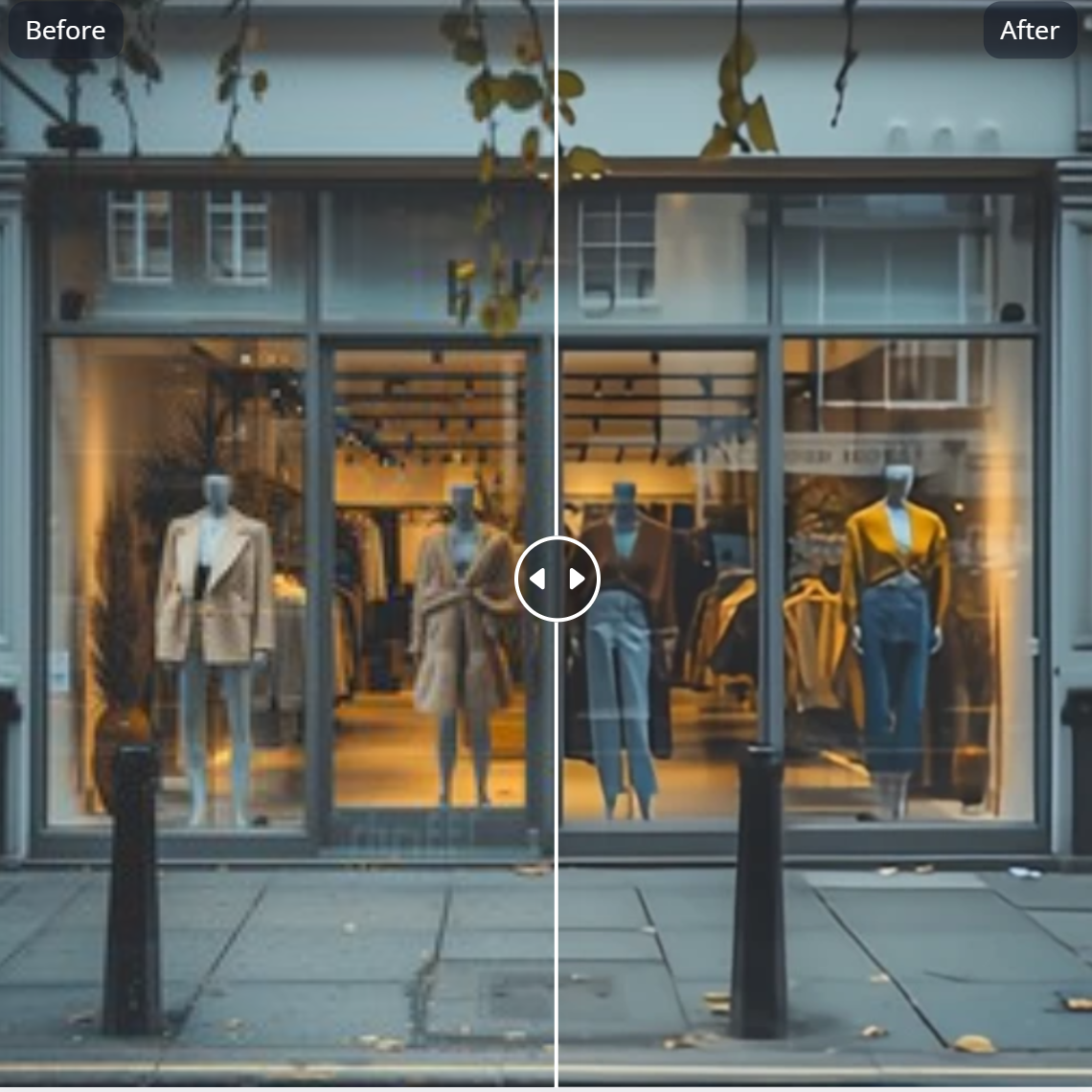
The challenge lies in creating footage which appears professional enough to represent the business. As a business owner you are juggling between sales, handling customer enquiries, and day-to-day operations, so you cannot deal with these issues too. That’s where AI video tools come in handy as they have the ability to help automate the enhancement procedure.
Learn How to Record On A Smartphone, and Edit It Into A Publish Ready Video
Content can be created for numerous marketing needs with a simple recording and editing process.
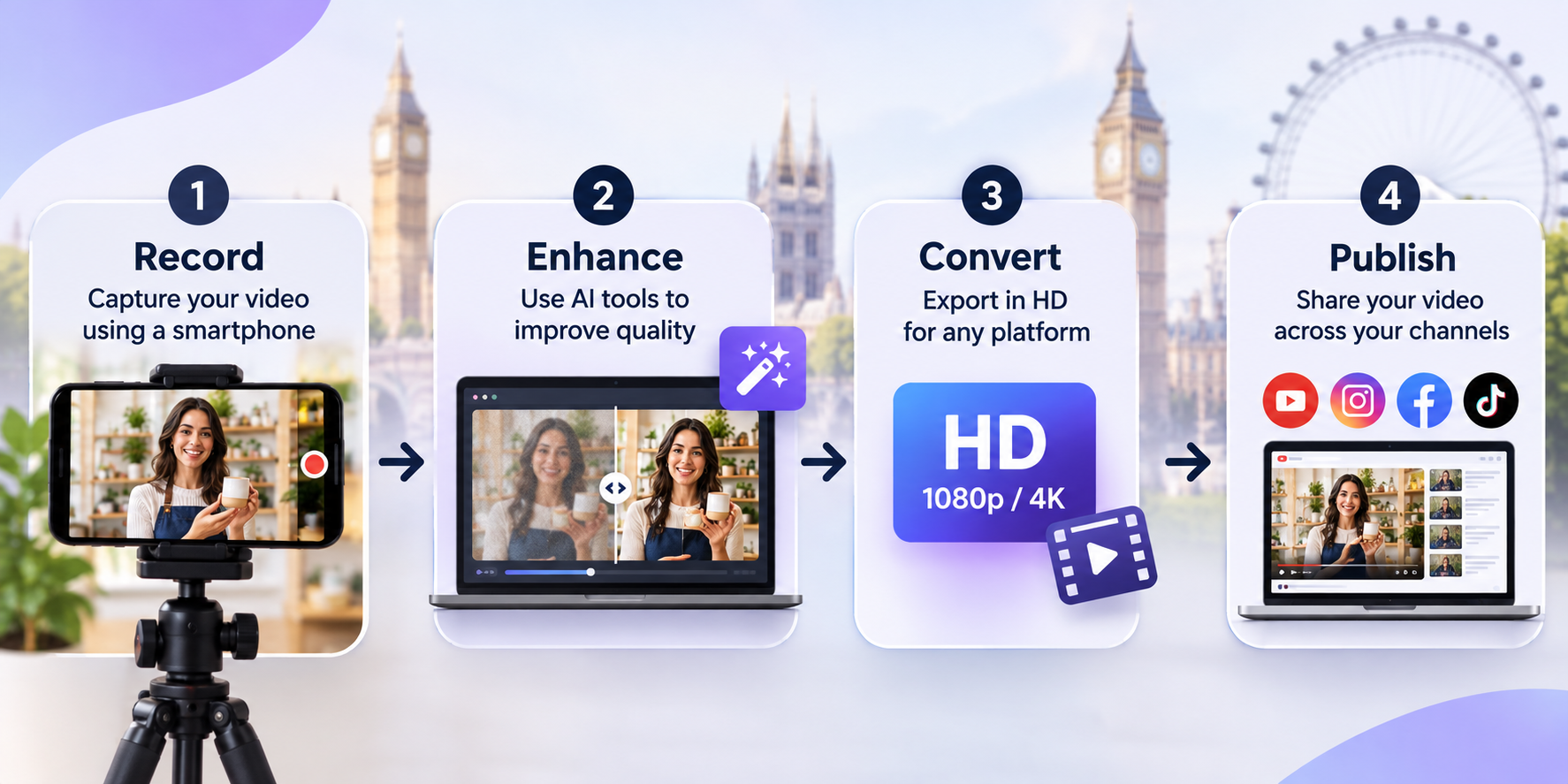
- Record with a smartphone: Wipe the lens, and record in a brightly lit area.
- Simplify the framing: Keep the subject in sight and use a tripod to avoid camera shake.
- Ensure audio clarity: Pick a quiet area and use a microphone for clarity.
- Play back the footage: Look for fuzzy areas, background noises, improper lighting, and unwanted breaks.
- Enhance and export: Edit the video with an AI video tool and export the approved version for the desired platform.
This way, companies get to save on the time and expense of setting up a shoot each time they want a marketing video.
How AI Video Enhancement Improves Everyday Business Footage
Even if you record a video with your smartphone, there is some post-processing that needs to be done for it to look its best. A product clip might not be as crisp, a store interior could be grainy in low light, or a talking-head video might not be as polished to be displayed on a larger screen.
An AI video enhancement tool will solve these problems for you by analyzing video content and enhancing its visual elements. You may use the enhancement tool for the following:
Grain reduction: To get rid of the unwanted visual grain noise.
Blur background: To make the shot more appealing by giving a softer touch.
Color Balance and Correction: To correct colors and hues from the footage.
Colour and detail: To balance color and gain some detail low quality clips.
Visual consistency: To be consistent when creating multiple clips for the same campaign.
For instance, an independent retailer might record product demonstrations on a cell phone. The original footage might have a good look for the product may not be crisp enough to be used in a web ad. Using an enhancement tool at this point will enhance the look of the product, making the colour, texture, and edges more visible.
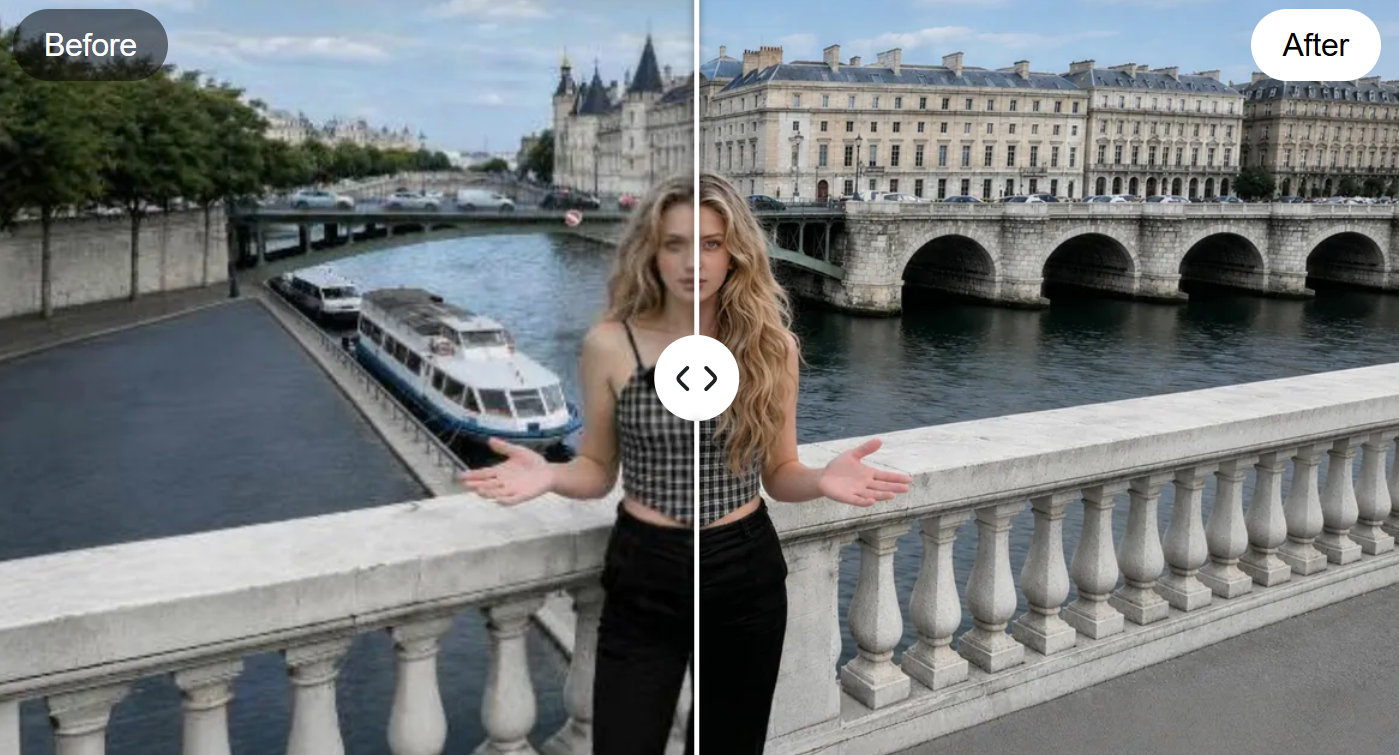
Vmake Labs is a AI video enhancer solution powered by artificial intelligence that improves the resolution of footage up to 2K, 4K, and 8K for video editing. It also offers improvement options for blur, noise and compression artifacts. It is super easy to use, the user uploads a clip, selects one of the available enhancement options, watches a preview of the enhanced video and downloads the clip, that’s it.
Convert and Export Videos for Different Marketing Channels
Once the footage achieves desirable results, you need to prepare for its publication. Since different channels have different display requirements, aspect ratios, file-size limits, and recommended resolutions, you need to work according to the marketing channel.
| Marketing channel | Recommended video approach |
| Business website | Clear, high-quality footage that fits the page layout |
| Instagram Reels | Vertical video in a 9:16 format |
| TikTok | Vertical footage with the main subject clearly framed |
| YouTube | Landscape or vertical video, depending on the content |
| Facebook advertisements | Format and dimensions suited to the chosen ad placement |
Resolution is another key factor to look out for. If you only view the clip on a small mobile device, it might be fine, but when viewed through a large screen, it will be evident that the clip has a low resolution. This is where an HD video converter comes in handy. Some AI-powered file conversion tools not only convert the format but also improve the quality of the video and boost its resolution.
Users can upload their own footage and choose output resolution 1080p, 2K or 4K for the video project using Vmake Labs’ HD video converter. It is processed for AI enhancement to enhance visible sharpness, edges, and detail. Full HD is good for many common web and social media initiatives, while 2K or 4K could be beneficial if more detail is desired or the footage is intended for larger screens.
A Practical Example: Three Videos a Small Business Can Improve
AI video enhancement isn’t just for one industry. Several businesses use the AI video enhancement to create regular recordings for marketing.
1. Storefront Videos
A local store could use a smart phone to document their store, new entrance vibe, or a revamped window display. If the video is out of focus or fuzzy, enhancement services bring the storefront details into focus. This is great for website introductions and local social media marketing campaigns.
2. Product Demonstrations
A retail company captures up close videos of the product’s features, material characteristics, packaging and everyday use. A sharper or more colorful image is better for customers to see what they are purchasing; however, it is important to always verify the colour with the original item.
3. Talking-head Videos
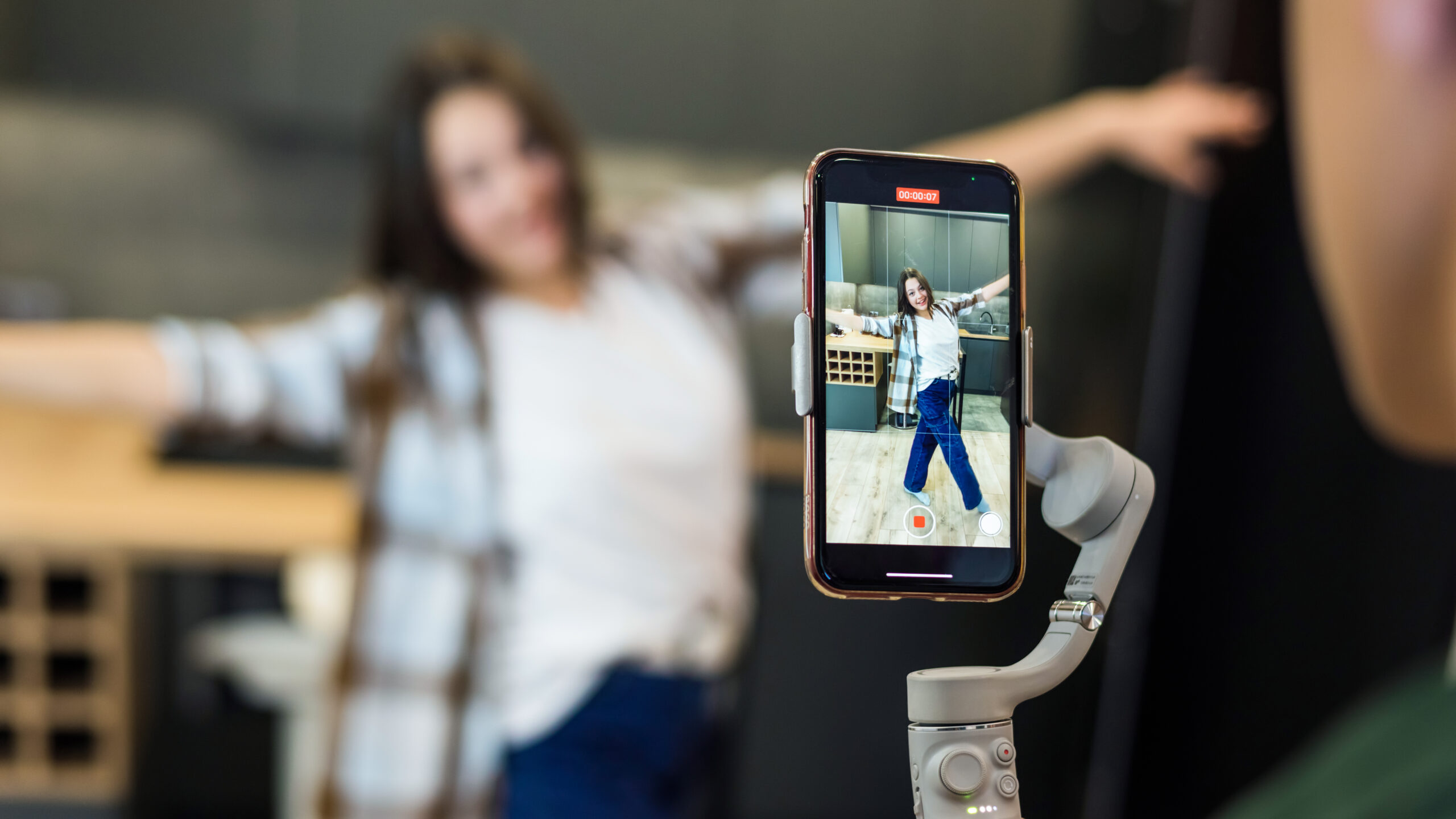
Consultants, independent professionals and business owners make short intro or education videos without a formal studio session. Enhancement helps minimize visual noise and enhance facial details, making the footage cleaner.
Making Professional-Looking Video More Accessible to Small Businesses
Being a small business, the best opportunity, often, is to make better use of the footage that you own already. Make use of your smartphone for basic recording methods, and AI-based enhancements to boost every day of footage and get it ready for various online platforms. Vmake Labs now introduces a browser based workflow for video enhancement and HD conversion, so that users are able to work with existing videos. Begin with an existing clip and see what can be improved and then select the enhancement and export settings that will best meet your publishing requirements.