
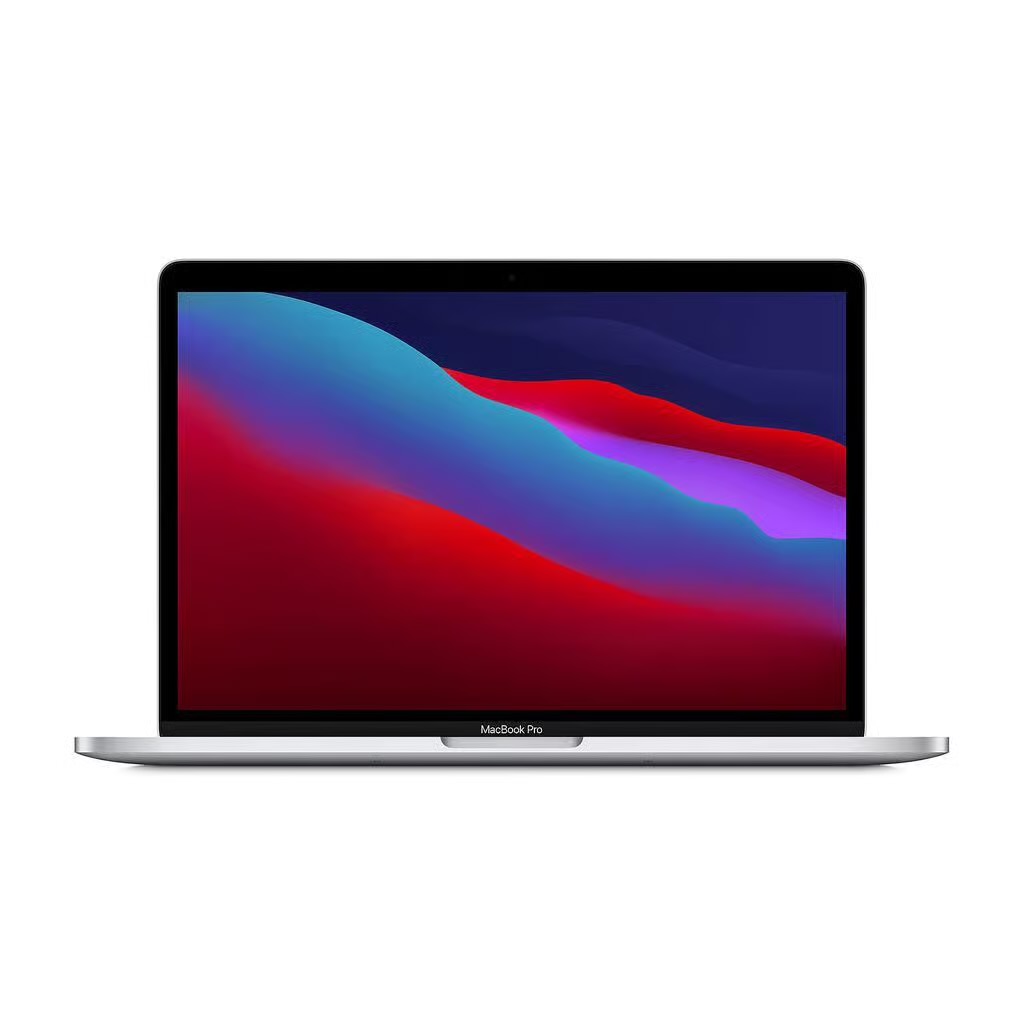
Returning to work in autumn is a useful moment to look at the technology you rely on every day. A laptop that keeps pace with your workload, a more comfortable desk and a few practical changes can make the working day feel easier and more organised. The best upgrades are often the ones that fit naturally into your existing routine.
Upgrade the laptop at the centre of your day
For many people, the laptop is where most of the working day takes place. A refurbished Apple MacBook Pro can provide the performance needed for demanding tasks such as creative software, large spreadsheets and working across several applications at once.
The right specification will depend on the work you do. Someone who spends most of the day handling documents and video calls may have different requirements from a designer or editor who regularly works with demanding software. Taking a little time to consider your usual workload can help you choose a machine that feels capable without paying for features you will rarely use.
Back Market, the marketplace for verified refurbished electronics, offers refurbished MacBook Pro models in different configurations. That range can make it easier to find an option that suits both your working habits and your budget.
A new laptop can also encourage a useful digital tidy-up. Removing applications you no longer use, clearing old downloads and organising files can leave your system easier to navigate. It is a simple way to make a fresh start without changing the way you work.
Make the workspace more flexible
The laptop is only one part of a productive setup. If your working week takes you between home and the office, having equipment that is easy to carry can make those changes of location less disruptive.
A refurbished Macbook Air can be a practical choice for everyday tasks such as emails, documents, research, video meetings and browser-based work. Its lightweight design also suits people who prefer to keep their working setup portable.
Once the main device is sorted, look at the equipment around it. Good keyboard and mouse make long sessions more comfortable, and a well-positioned monitor can make a desk more comfortable. If you frequently attend meetings, a good headset can also be beneficial.
There are also smaller changes worth considering. Organise your chargers and limit unnecessary notifications to cut down on distractions; adjusting your screen brightness for darker autumn afternoons can make the desk more comfortable as the days get shorter.
A productive autumn doesn’t need a whole technology upgrade. Concentrate on the gear that you use the most, go for improvements that answer common difficulties, and spend a little time on your workplace. This can result in a more comfortable and capable set-up for the months ahead.